
Android
Daily Checklist
Daily Checklist helps you organize recurring tasks, reuse templates, set reminders, and track what gets done each day on Android.
Productivity Android
Productivity
Daily Checklist, To-Do List, Task Planner, Routine Tracker, Recurring Tasks, Productivity, Reminders, Completion History
Preview the experience
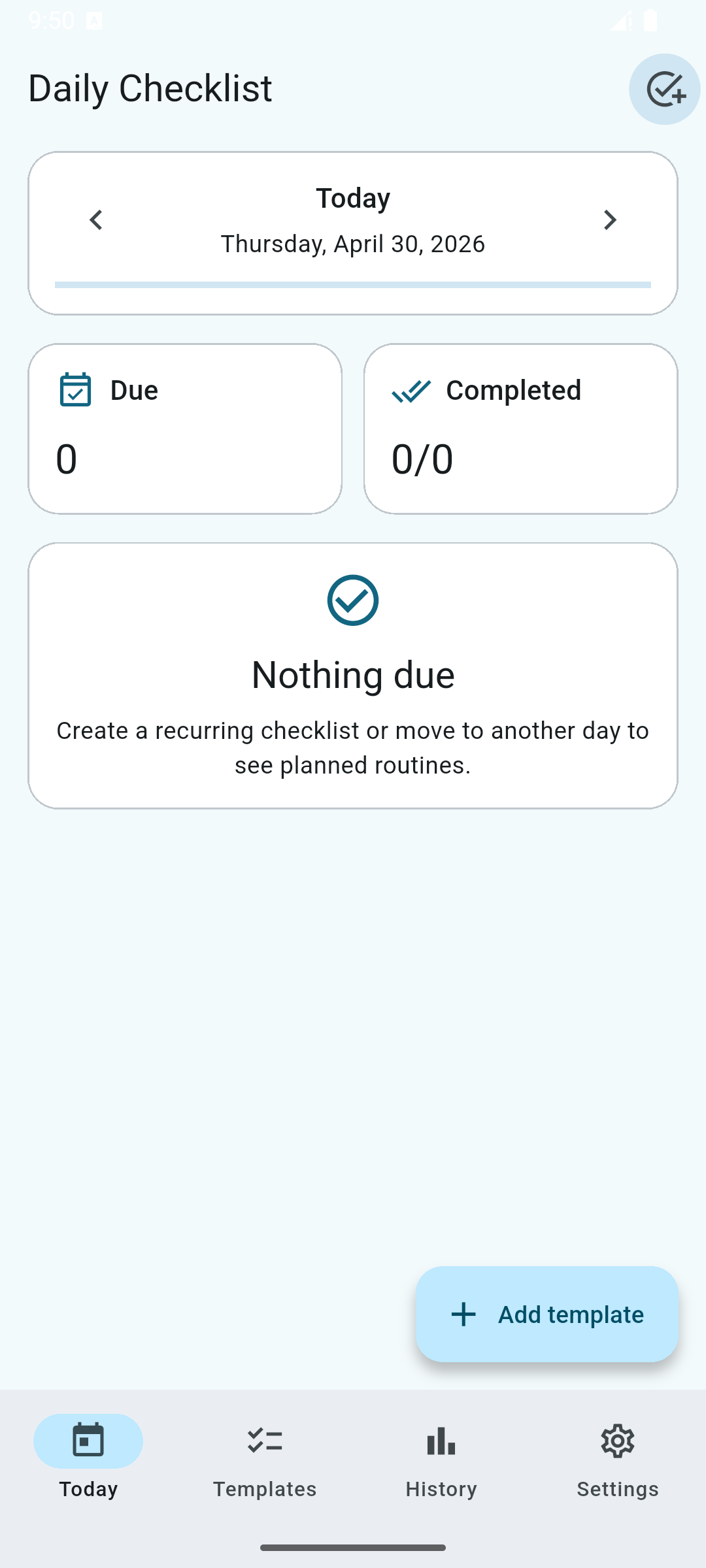
Show the main Today screen with due tasks, completed count, checklist items, and the Add template action.
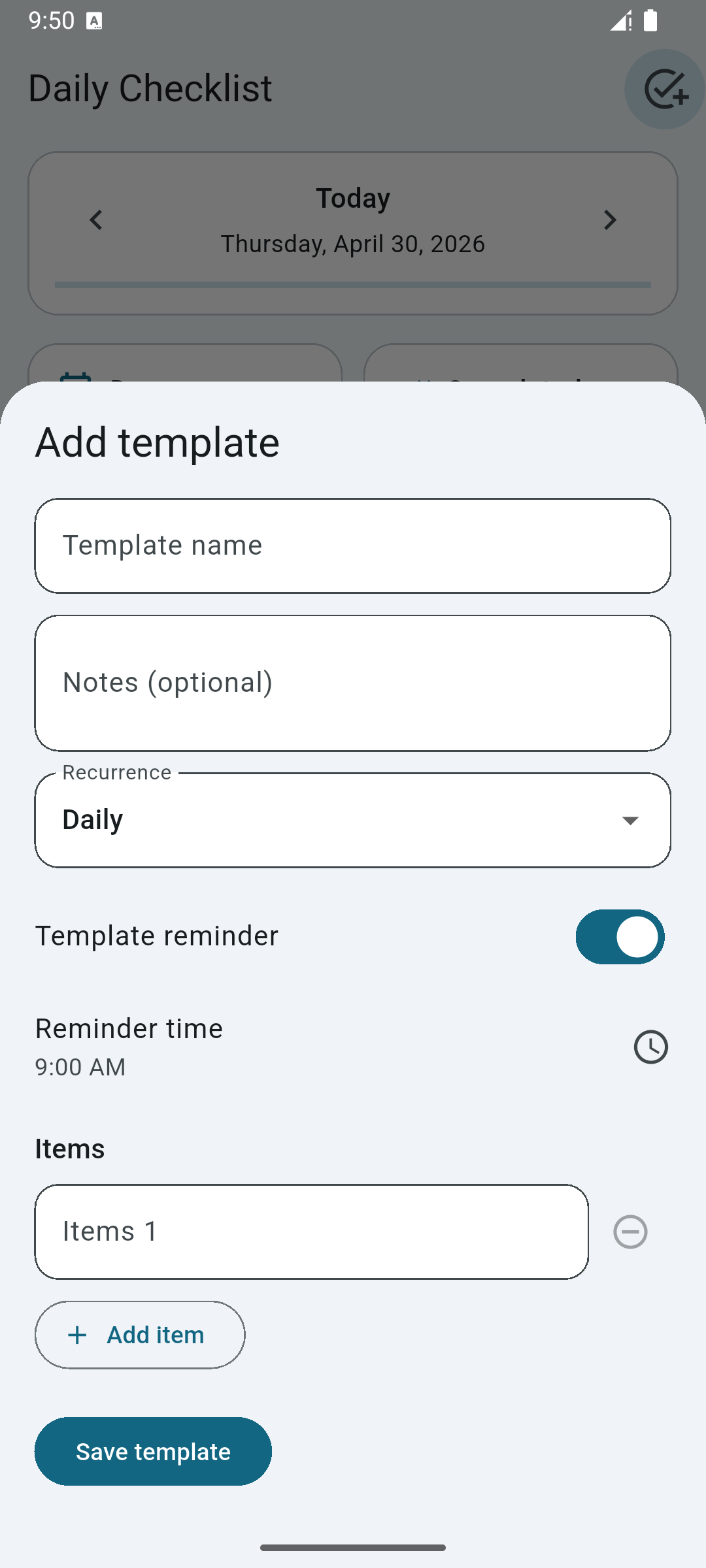
Show the Add template sheet with template name, notes, recurrence, reminder time, and multiple checklist items.
Show the history screen with the last seven days and daily completion counts to communicate consistency tracking.
Overview
Daily Checklist is a simple Android app for organizing everyday routines, repeated tasks, and personal to-do lists. It is built for people who want to see what needs to be done today without a cluttered planning system.
Create reusable templates for routines such as cleaning, study, work prep, errands, or household tasks. Add a template name, optional notes, recurrence, reminder time, and checklist items so your routine is ready whenever you need it.
The Today screen shows what is due, what has been completed, and the checklist items waiting for your attention. You can check off tasks instantly, reset a checklist, or move between days to review planned routines.
Daily Checklist also includes completion history, making it easier to understand your consistency across recent days. Settings let you adjust theme mode, language, reminders, archived templates, and template sorting.
Clean, lightweight, and distraction-free, Daily Checklist is ideal for users who want a practical daily task manager without unnecessary complexity.
Main feature
- Reusable Checklist Templates
- Daily Task View
- Task Reminders
- Completion History
- Fast Check-Offs
- Custom Routine Settings
Frequently asked questions
Here are answers to some of the questions people ask most often about this app.
What is Daily Checklist used for?
Daily Checklist is used to create reusable task lists for daily routines, recurring chores, personal planning, and simple productivity tracking.
Can I create recurring checklist templates?
Yes. You can create templates with recurrence, reminders, notes, and multiple checklist items, then reuse them for your daily tasks.
Does Daily Checklist show what is due today?
Yes. The Today view shows due checklists, completed progress, and task items that still need attention.
Can I track my task completion history?
Yes. The history screen shows recent completion activity so you can review consistency over time.
Is Daily Checklist available for Android?
Yes. Daily Checklist is available for Android through Google Play.
Our work
Related apps
Keep exploring similar products from the same portfolio to increase session depth and discovery.
App
Water Reminder
Track your daily water intake, build healthy hydration habits, and stay consistent with smart reminders and progress insights.
Health & Fitness Water ReminderHydrationRemindersWater TrackingWellness
App
Goal Tracker
Goal Tracker helps you turn personal targets into clear daily progress. Create goals, check in regularly, follow your timeline, and stay focused with reminders.
Productivity Goal TrackerHabit TrackerProductivity AppProgress TrackerDaily GoalsPersonal GoalsReminders
Turn interest into action?
Turn repeated routines into reusable checklists and keep your day moving. Daily Checklist gives you a clean, practical way to plan tasks, complete them fast, and review your consistency over time.